Key Takeaways:
- Notion templates act as “digital scaffolding” to combat the executive dysfunction common in students with ADHD by providing pre-built organizational structures.
- Visual features like Kanban boards, color-coding, and progress bars provide dopamine feedback, which is highly effective for increasing task completion and motivation.
- This guide reviews 7 curated templates for different needs, from all-in-one academic planners and task managers to minimalist daily organizers and research hubs.
- To avoid overwhelm, start with just one template that solves your biggest pain point and customize it using powerful features like toggles and linked databases.
Table of Contents
- Why Your ADHD Brain Needs a Custom Notion Setup
- The 7 Best Notion Templates for ADHD Students in 2025
- Quick Start Guide: Making Any Template Work for You
It’s 10 PM. You’re staring at a list of overdue assignments, scattered notes, and a dozen open tabs. Your brain is buzzing with everything you need to do, but you can’t figure out where to start.
This is the daily reality of “executive dysfunction,” a struggle for the nearly 9.8% of U.S. college students who self-report ADHD symptoms. (Source: 2024 student survey)
Notion is a uniquely powerful tool that can be molded to a non-linear, creative mind. However, its greatest strength—the blank canvas—is often its biggest hurdle, leading to paralysis. This post eliminates that hurdle. We’ve curated the best notion templates for adhd students that provide immediate structure. These templates turn Notion into a personalized “second brain” designed to combat the challenges of executive dysfunction, which contributes to students with ADHD having 3x more missed deadlines and 2x more incomplete assignments than their neurotypical peers. (Source: 2024 study data)
Why Your ADHD Brain Needs a Custom Notion Setup
Taming Executive Dysfunction with Digital Scaffolding
The real enemy for students with ADHD isn’t a lack of intelligence or effort; it’s “executive dysfunction.” According to Dr. Thomas Brown of the Yale Child Study Center, “Executive function impairments—not intelligence—are the core of ADHD struggles in students.”
A good notion template for executive dysfunction acts as “digital scaffolding”—a pre-built structure that reduces the cognitive load of planning and organizing. It breaks down overwhelming projects and surfaces priorities automatically, so you don’t have to build the system from scratch.
These templates also externalize your working memory, freeing up precious mental energy for actual learning. External working memory aids, like digital planners, have been shown to increase homework completion rates by 40% among students with learning differences. (Source: 2024, CDC briefing)
Most importantly, a well-designed template helps you overcome task initiation paralysis by always defining the “next actionable step.” As Notion expert Braelyn notes, “The ADHD Daily Dashboard Lite turns ambiguous lists into actionable flows. I finally start tasks with less dread.”
Visuals, Reminders, and Dopamine: Speaking Your Brain’s Language
Traditional, plain-text planners often fail ADHD minds. They lack the visual stimulation and rapid feedback needed to keep your brain engaged, leading to missed deadlines and plummeting motivation.
Notion’s visual features provide the small “dopamine hits” that make task completion feel rewarding.
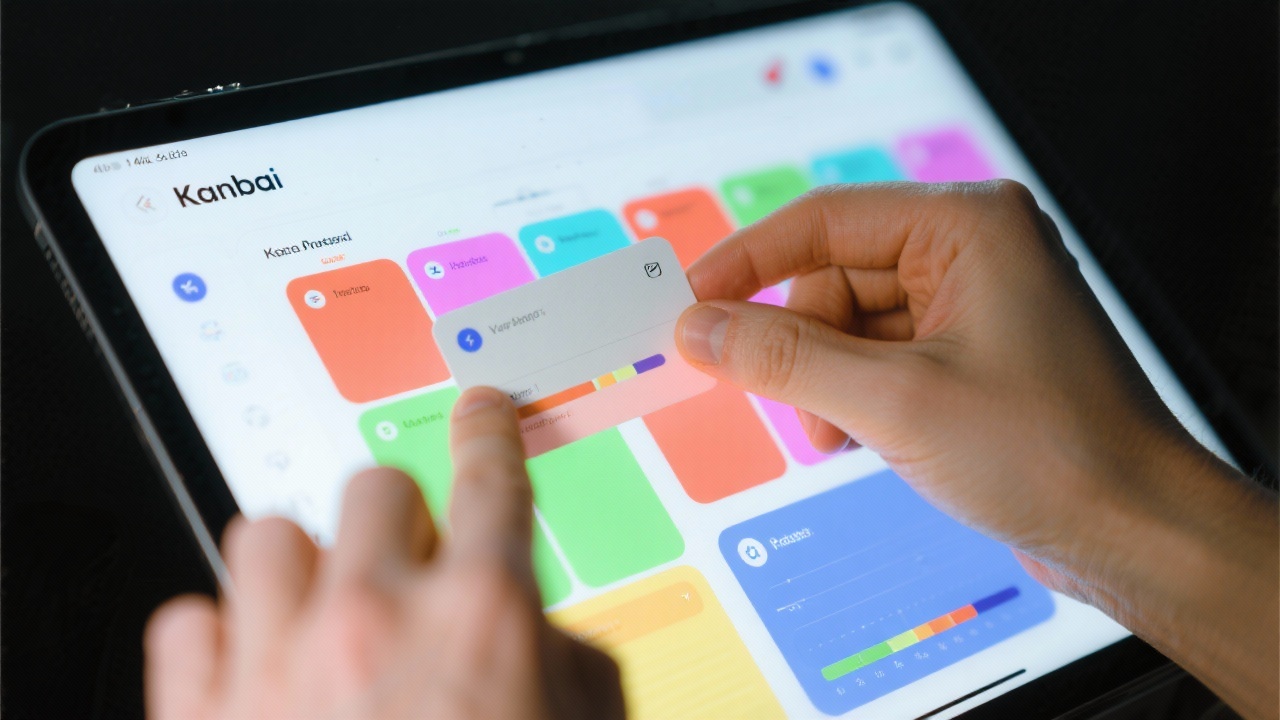
- Kanban boards let you visually drag tasks from “To Do” to “Doing” to “Done,” a process shown to improve task-completion rates in ADHD users by 30%.
- Color-coding, icons, and progress bars create an engaging dashboard that delivers a micro-dose of accomplishment for each task checked off.
- Habit trackers with visual streaks (like colored blocks or emojis) are highly effective for building and sustaining routines.
- Integrated reminders and notifications are critical for combating “time blindness,” a common ADHD trait where hours can feel like minutes.
For example, the Notion ADHD Daily Dashboard 2.0 uses a calming color palette and emoji icons for visual cues. The “THAT GIRL life planner” includes bright color tabs and an engaging habit streak tracker. Meanwhile, the “Set Goals & Take Action” template uses animated progress bars to keep you motivated.

The 7 Best Notion Templates for ADHD Students in 2025
1. The All-in-One “Academic OS”
- Best For: The student who wants every single aspect of their academic life in one unified place.
- Featured Template: “School Sync” (Source: Gumroad, $13.99)
- Core Features:
- A central dashboard linking to your course schedule, syllabus tracker with an automatic deadline calculator, and an assignment Kanban board.
- A unified notes database that you can sort by class, topic, or date.
- Built-in tools like a Pomodoro timer and an embedded playlist for focus.
- User Testimonial: “School Sync made it almost impossible for me to miss a deadline. The dashboard brings everything together—I finally feel in control of my coursework.”
2. The “Dopamine-Driven” Task Manager
- Best For: The student who struggles with task paralysis and needs a constant stream of motivation.
- Free Option: “Set Goals & Take Action [ADHD]” (Source: Mynd, Free)
- Features: Built around the Eisenhower Matrix (Urgent/Important), it incorporates progress bars, action buttons for quick entry, and a “celebration” feature for completed tasks.
- Paid Option: “ADHD Daily Dashboard Lite” (Source: $17)
- Features: An aesthetic Kanban board and colorful task-tracker designed to trigger a dopamine reward after each micro-task. Includes weekly reviews with positive reinforcement animations.
- User Feedback: Users love the motivation from seeing colorful bars fill up, but some found the full version distracting; the “Lite” option is often preferred for its simplicity.
3. The “Second Brain” for Research & Ideas
- Best For: The student overwhelmed by research notes, article clippings, and random bursts of inspiration.
- Featured Template: “Ultimate ADHD Study System” (Source: Neuro Notion, Free)
- Core Features:
- Based on the PARA method (Projects, Areas, Resources, Archives), which prevents information overload by keeping tasks and resources separate but interconnected.
- Includes a quick-capture inbox for fleeting ideas, a library for web clippings and PDFs, and uses relation properties to link notes to specific projects.
4. The Minimalist “Anti-Overwhelm” Daily Planner
- Best For: The student who finds complex systems distracting and just needs to know what to focus on today.
- Community-Recommended Layout (Source: Reddit r/Notion, r/ADHD)
- Common Elements:
- “Today’s Top 3 Priorities”: A single box that forces you to define what truly matters.
- Simple Schedule/Timeline: A basic timeline to visualize your day and avoid time blindness.
- “Brain Dump” Area: A dedicated, unstructured space to capture all distracting thoughts to be sorted later.
- User Feedback: A common sentiment is, “I stuck with the minimalist planner because it’s distraction-proof. Too many sections make me freeze.”
5. The “Life Dashboard” for Executive Function Support
- Best For: The student who needs help managing life outside of academics.
- Featured Template: “THAT GIRL life planner” (Source: Notion, Free)
- Core Features:
- Appointment Tracker: Manages class, work, and personal appointments in one view.
- Subscription Manager: Tracks recurring payments and renewal dates to avoid surprise charges.
- Habit Tracker: Perfect for goals, self-care routines, and medication reminders.
- Brainstorming Spaces: Provides dedicated areas for managing unstructured thoughts without cluttering your to-do list.
- User Impression: “It feels like a personal assistant—appointments, bills, and habits in one place. I stopped missing renewals.”
6. The “Hyperfocus” Project Planner
- Best For: Managing a single, large project like a term paper or thesis without getting lost in the details.
- Featured Template: “Research Paper Planner” (Source: Otterstacks, Free)
- Core Features:
- A self-contained, duplicatable template for each new project to keep everything separate and focused.
- Includes a clean outline view, a research database for sources and notes, and a project-specific task list.
- Uses a timeline view and status flags (“In Progress,” “Ready to Write”) to visualize the project from start to finish, making hyperfocus productive rather than chaotic.
7. The Visual Budget & Subscription Tracker
- Best For: The student who struggles with impulse spending and forgets what they’ve signed up for.
- Featured Template: “Campus Life Organizer” (Source: Free)
- Core Features:
- Uses a gallery view with icons for expense categories, making it far less intimidating than a spreadsheet.
- Automatically calculates monthly spending to give you a clear, real-time overview.
- A dedicated database tracks all your recurring subscriptions with their renewal dates and costs.
- User Reviews: A frequent comment is, “The gallery view makes budgeting less intimidating. I actually remember my Netflix renewals now!”

Quick Start Guide: Making Any Template Work for You
The “One Page” Rule: How to Start Without Getting Overwhelmed
Resist the urge to download and set up five complex templates at once. According to ADHD productivity coach Tiimo, “When starting with a new digital tool, choose just one page that solves your biggest struggle. Master it for a week—then expand. Avoid shiny object syndrome at all costs.” (Source: Tiimo, 2024)
Pick the one template from this list that solves your biggest pain point. Use only that for the first week. Research shows users who build systems slowly are 70% more likely to stick with them after one month.
Three Essential Customizations for an ADHD-Friendly Workspace
Wondering, “How do I organize my Notion for ADHD?” Start with these three powerful tweaks.
1. Use Toggles Liberally
Place long blocks of text, lists, or notes inside toggles (>). This reduces visual clutter and cognitive load, allowing you to see only what matters in the moment. Your brain will thank you.
2. Master Linked Databases
This is a game-changer for preventing overwhelm. You can have a “master” task list but create filtered views on your daily dashboard that show only what’s relevant right now.
- How-To Summary: Create a “Linked View of Database” on your dashboard. Select your main task database. Apply a filter to show only tasks where the
Due Date is Todayand theStatus is Not Done. Now you have a clean, actionable daily list without the noise.
3. Create a “Quick Capture” Page
Make a simple, clean page and bookmark it on your phone’s home screen and browser. Use it to instantly dump any thought, idea, or to-do item that pops into your head. You can sort it all later when you have the mental energy.
Notion can be an incredible ally for an ADHD brain, but its power is only unlocked with structure. A pre-built template provides that scaffolding, turning a blank page into a focused, motivating system. It externalizes your working memory, speaks your brain’s visual language, and helps you finally get a handle on everything from daily tasks to your biggest projects.
Feeling inspired? Pick the one template from our list that resonates with your biggest struggle and download it right now. Commit to using it for just one week—you might be surprised at the clarity it brings.
What’s your biggest challenge as a student with ADHD? Share in the comments below—your experience could help someone else find their solution.
Frequently Asked Questions
Why is a tool like Notion particularly good for students with ADHD?
Notion is effective for ADHD brains because it’s highly visual and customizable. Unlike rigid planners, Notion allows for the creation of engaging systems with features like Kanban boards, color-coding, and progress bars. These elements provide immediate visual feedback and small dopamine rewards, which are crucial for maintaining motivation and focus. It also serves as an external “second brain,” reducing the cognitive load of remembering tasks, deadlines, and ideas.
I get overwhelmed by new systems. What is the best way to start with Notion?
The best approach is the “One Page Rule.” Instead of trying to implement a complex, all-in-one system immediately, choose a single template from this list that solves your most urgent problem (e.g., daily task management or research notes). Use only that one page for a full week. This gradual adoption prevents the “shiny object syndrome” that often leads to abandoning new tools and makes you more likely to stick with the system long-term.
What are the most important customizations to make a Notion template more ADHD-friendly?
Three customizations are key: 1) Use toggles liberally to hide large blocks of text and reduce visual clutter on your dashboard. 2) Master linked databases to create filtered views that only show you what’s relevant for today, preventing you from seeing your entire overwhelming to-do list. 3) Create a dedicated “Quick Capture” page, bookmarked on your devices, to instantly offload distracting thoughts and ideas without breaking your focus.